
Schedules with people outside your company
Partners, vendors, clients, candidates. ANCI emails them your free times, reads the answer and books it.

Your assistant’s AI scheduling agent
For executive assistants, meeting coordinators and busy executives who need extra help with scheduling. Tell ANCI who needs to meet. It finds the time, writes to the people outside your company, books when they answer — and keeps the calendar clean.
Get ANCIFor executive assistants and the executives they support · Google Calendar or Outlook
Not ready yet? Try it live — no setup →
48 minutes by hand. 2 with ANCI. Same meeting.
When you get a message from your executive
Veronica Vance your executive · Mon 9:05am1 min
Can you set up a call with John at Halcyon? Include Linda and Omar.
Before ANCI · you do every step
With ANCI · you direct, ANCI coordinates
You · 45 secSet up a call for Veronica with John Park, Linda and Omar. Ask John for his times.
ANCIVeronica, Linda and Omar are free Tue 11am, Wed 10am and Thu 1pm. Email John these times?EMAIL ✓
John, by emailTuesday 11am works for me.
ANCIJohn picked Tue 11am, but Linda is busy then now. Offer him Wed 10am or Thu 1pm?OFFER ✓
John, by emailWednesday 10am then.
ANCIBooked Wed 10am with a Zoom link. Invites sent to Veronica, Linda, Omar and John.
See it step by step Every click, every app, in How it works.
ANCI takes on the scheduling across every executive you support, and nothing goes out until you say so.
How assistants use ANCI For your executiveA two-minute page written for executives: a true story, and how ANCI gives their assistant two to three days a week back.
Make the case to your executiveThe hardest meeting to set up is the one with someone outside your company. Here is how ANCI does it.
Handled a tougher one? Take the Calendar Tetris Challenge →
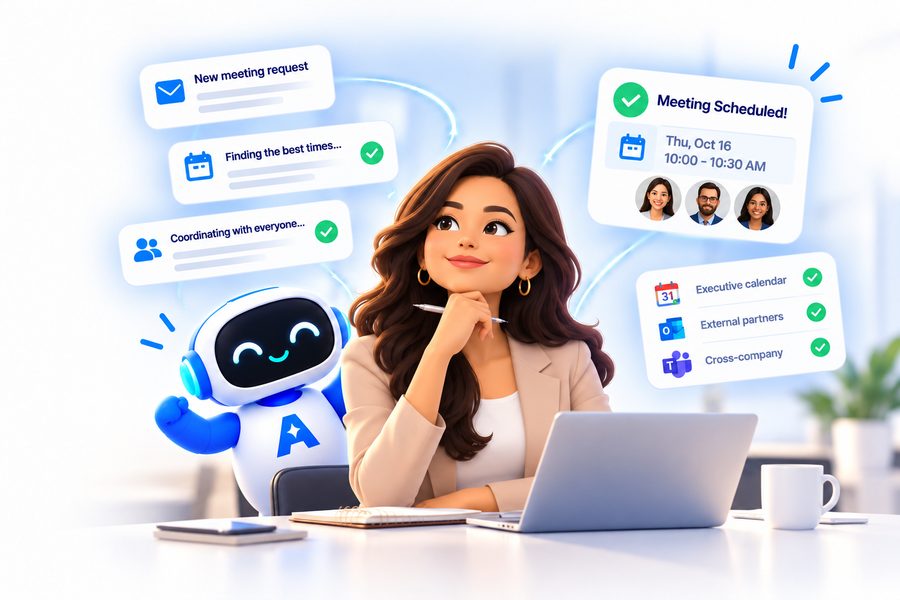
Partners, vendors, clients, candidates. ANCI emails them your free times, reads the answer and books it.
Books, moves, changes and cancels meetings — on your own calendar or on an executive's, with them as the organizer.
Follow-ups, a guest's "how about Friday instead?", the update when a meeting moves. You hear about it when it matters.
Add the executives you schedule for. When an executive shares their calendar with you, ANCI books on it for them — they stay the organizer, you stay in control.
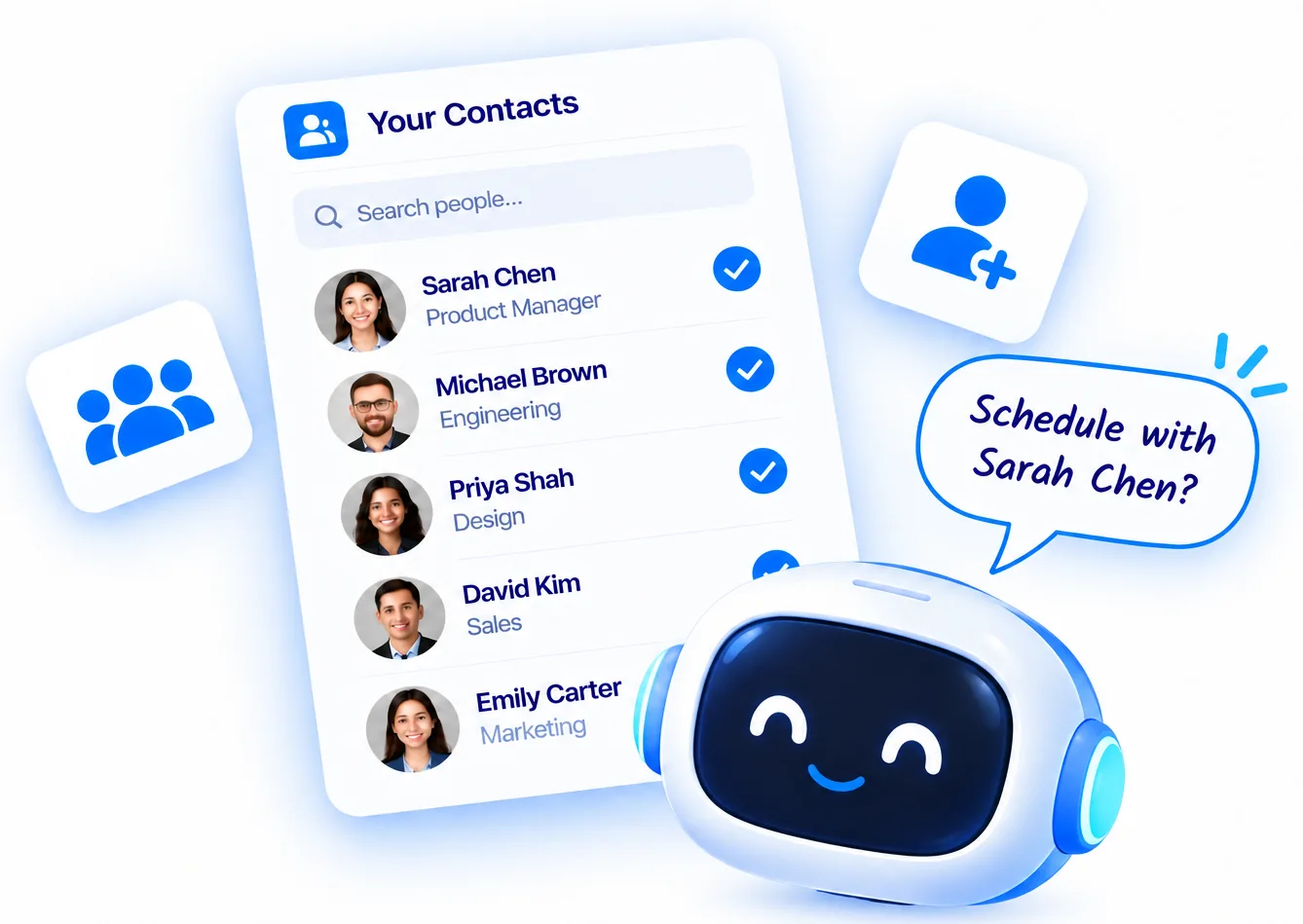
Before ANCI writes to a guest or sends an invite, it shows you exactly what will happen and waits for your word.
Two Davids in your contacts? A time outside working hours? ANCI asks one clear question — with the answers named — and moves on.
If a guest suggests a different time, ANCI checks your calendar and asks you: "You're free then. Should I book it?"
Google Meet on Google, Microsoft Teams on Outlook, or Zoom — and if Zoom has disconnected, ANCI tells you before anything is sent.
Type it in the chat, say it out loud, or email it. "Move my 2pm to tomorrow." "Cancel both meetings with Raj." "Any update from Dana?"
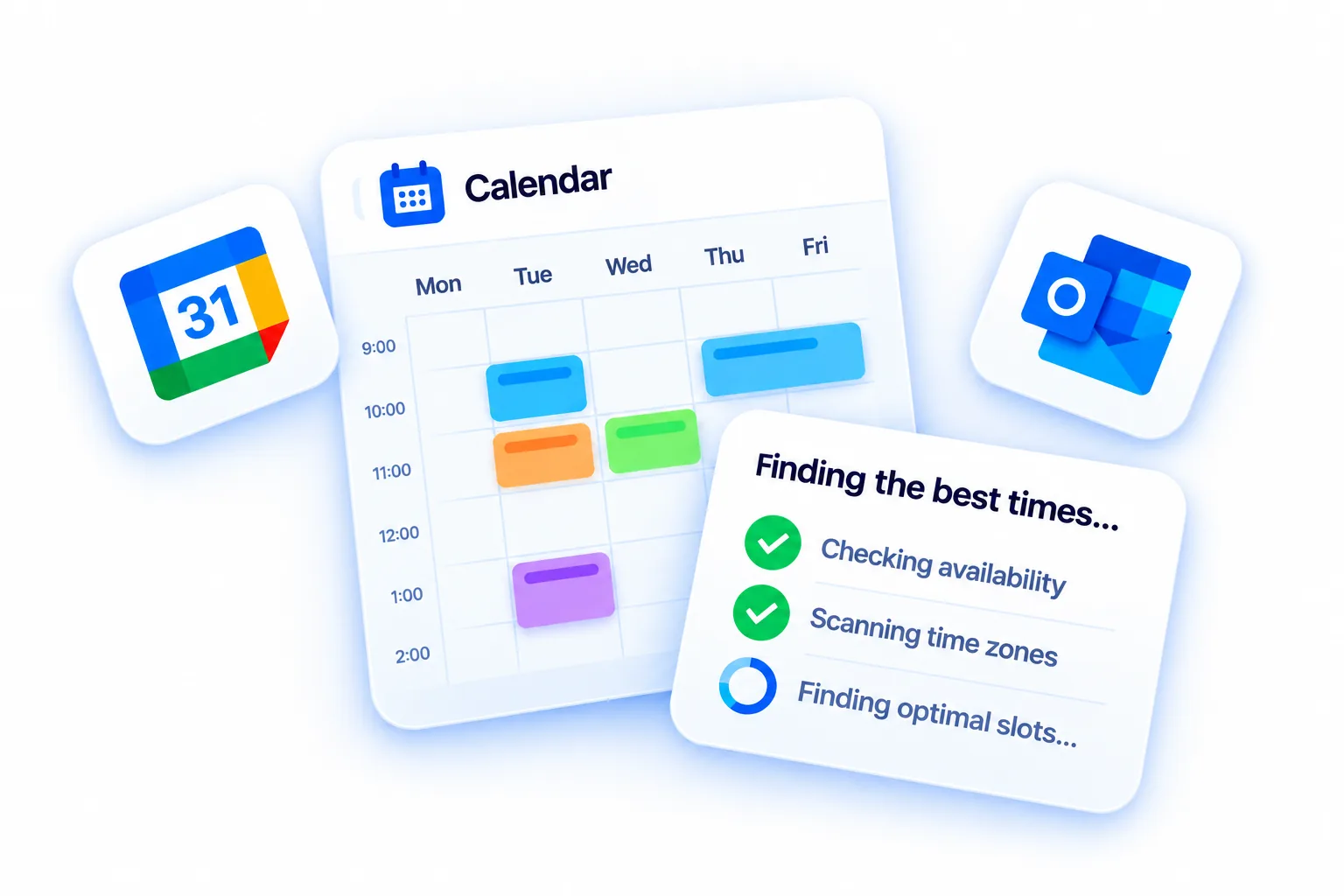
Empower your executive assistants with AI that coordinates meetings across executives, departments, and organizations.
Get ANCI30-day guided onboarding and training included.
Not ready yet? Try it live — no setup →